Creating a Flow-First Workspace in a Noisy World

In today’s hyperconnected world, finding focus is harder than ever.
Distractions are everywhere—notifications, meetings, social feeds, and shiny new tools promising to change your life.
But here’s the truth: you don’t need more tools. You need a system.
One built intentionally around clarity, simplicity, and purpose.
That’s the promise of a Flow-First Workspace, a system designed to protect your focus and amplify your outcomes.
Start With the End in Mind: Define Your Outcomes
Before you think about your apps, your inputs, or even your calendar, get brutally clear about what you’re trying to create.
Is your goal to launch a product? Write a report?
Create a mindset shift in your audience?
Start a movement?
Each of these outcomes demands a different kind of focus.
Defining your desired outcome is the first step in designing a meaningful workflow.
In systems thinking, “a change in purpose changes a system profoundly, even if every element and interconnection remains the same.” (Thinking in Systems by Donella Meadows).
That’s the power of outcome clarity.
Inputs: Define and Limit Your Fuel
Once your outcome is clear, turn your attention to your inputs—the raw materials of your work.
Most people overcomplicate this step.
They open multiple browser tabs, subscribe to 10 newsletters, and keep every Slack/Teams channel unmuted.
That’s not input management. That’s input chaos.
A Flow-First Workspace is built on selective intake.
Trim your inputs down to the essential few: the project doc, the feedback file, the subject matter expert.
If an input doesn’t serve your outcome directly, it doesn’t belong.
This idea echoes my post on “5 Habits to Protect Your Digital Focus” where I stressed the importance of limiting digital doors into your mind.
Fewer entry points mean fewer distractions.
The Magic Happens in the Middle: Optimize the Process
This is where flow lives.
A great process is your engine.
It’s where outcomes go from concept to completion. Yet too many professionals just wing it.
Instead of building repeatable systems, they rely on willpower and task lists.
The smarter way? Design your process deliberately.
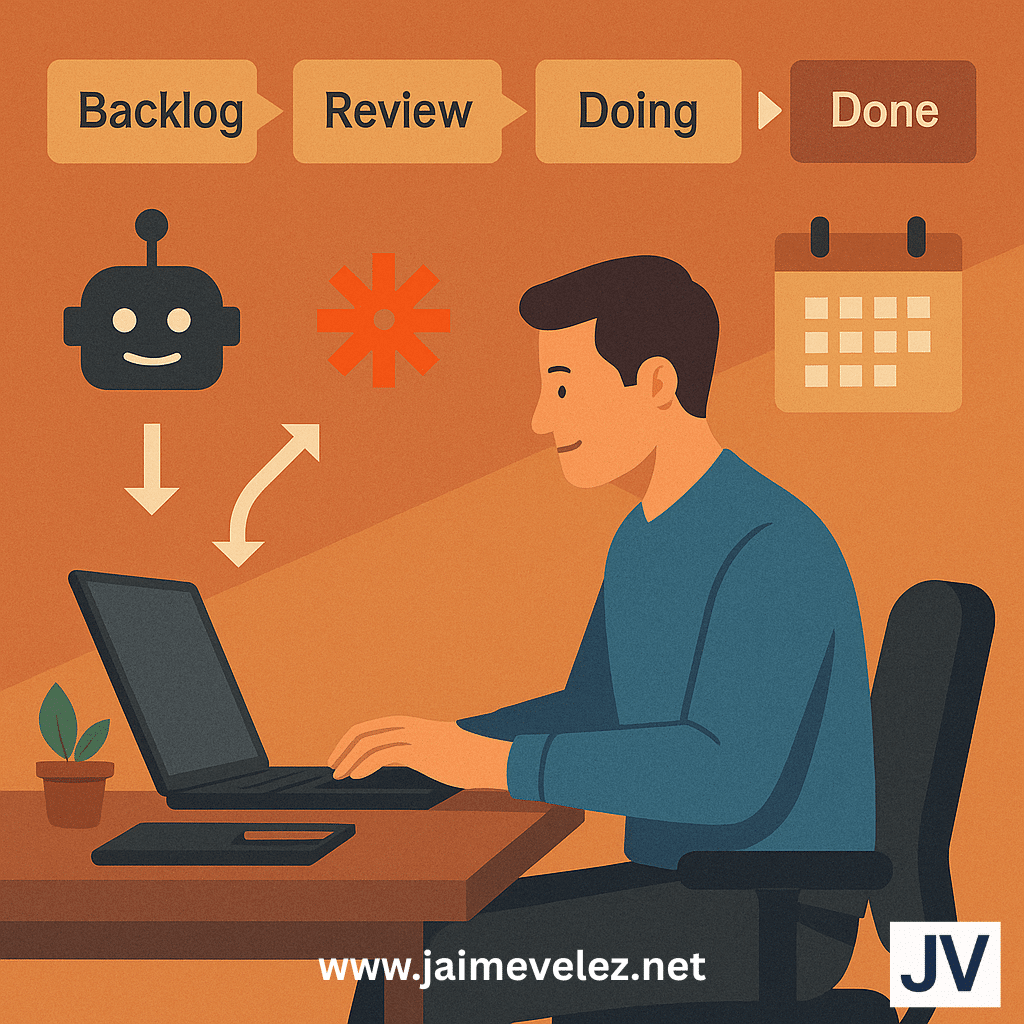
Create a linear pipeline: Backlog → Doing → Review → Done.
Then automate what you can.
Let AI handle the admin. Let Zapier or Power Automate connect your tools.
Let a calendar block hold the line for deep work.
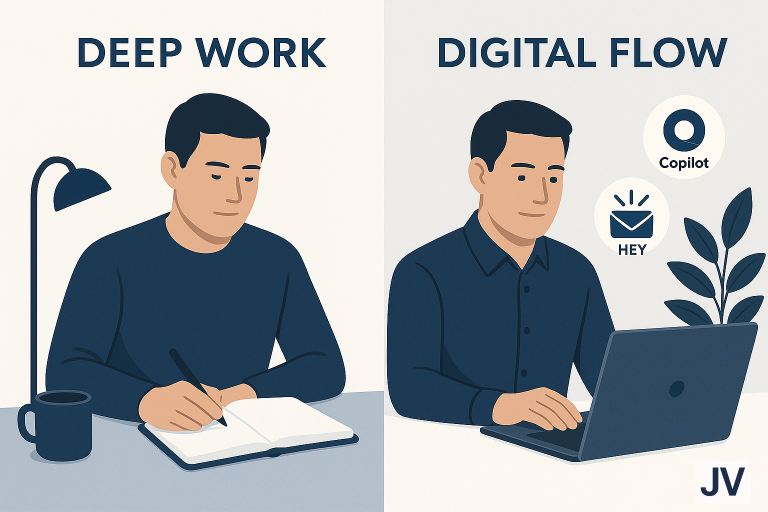
As I shared in “Deep Work and Digital Flow“, the key to productive digital work isn’t doing more.
It’s creating a space where fewer decisions are needed.
Systems reduce cognitive load.
That’s where flow begins.
Tools Are Support, Not the System
Let’s be real: the tool you use doesn’t matter if your process is broken.
A cluttered Notion board is no better than a cluttered notebook.
The obsession with tool-hopping is a form of avoidance. We chase novelty instead of building mastery.
In a Flow-First Workspace, tools are the servants, not the strategy. Choose the ones that match your process. Integrate only what enhances clarity. And ditch the rest.
In my post on “Human-AI Teamwork“, I emphasized that the true power of AI isn’t in novelty. It’s in creating smoother processes.
The right tech augments the right system. But it can’t replace the system.
A Quiet Sneak Peek: Designing with QuietOS Principles
Behind the scenes, I’ve been building a personal productivity framework I call QuietOS.
It’s a calm, intentional operating system for doing meaningful work without burning out. It’s still in stealth mode. Consider this a sneak peek.
Here’s how a Flow-First Workspace fits into the QuietOS philosophy:
- Outcome Dashboard: A single page showing your goals, metrics, and top priorities
- Input Capsule: A tightly curated set of sources and tasks. No chaos, just fuel
- Process Lane: A repeatable workflow with automation built-in
- Flow Ritual: A daily rhythm (like Pomodoro or Deep Work Blocks) that trains your mind to enter flow
- Minimal UI: One window, one screen, one focus zone
QuietOS is about designing systems that serve your life, not steal from it. Your workspace should restore your attention, not drain it.
How to Tune Out the Noise
You cannot create in flow if you’re constantly reacting.
So here’s how to protect your Flow-First Workspace from the static of modern life:
- Unsubscribe from things you never read
- Mute notifications by default
- Batch your meetings so they don’t bleed into your deep work hours
- Use AI to filter, summarize, and organize so your brain stays in high-value zones
- Schedule Shiny Object Time. Yes, seriously. Give yourself one hour a week to explore tools or trends. Outside that window, ignore them.
This mirrors the principles I laid out in my post “Calm by Design“. If it’s not scheduled and systematized, it’s a threat to your focus.
Recap: The Flow-First Framework
| Element | Why It Matters | QuietOS-Inspired Tactic |
| Outcome | Gives your system purpose | Create a one-page dashboard |
| Inputs | Prevents cognitive overload | Curate only essential sources |
| Process | Powers the engine of execution | Automate, systematize, reduce decision load |
| Tools | Only useful when aligned with the process | Use less, integrate more |
| Noise | Threatens flow if unmanaged | Block, batch, defer |
| Mindset | Flow-first, not tool-first | Build rituals, not routines |
Final Thought
A Flow-First Workspace isn’t about minimalism or productivity hacks.
It’s about reclaiming your attention and aligning your digital environment with your life’s work.
Let the loud world chase dopamine.
You? You’re building something deeper.
One outcome. One focus. One flow.